Access your PC
from anywhere.
Access and control your own Windows PC with responsive, low-latency remote desktop streaming. Connect to AI agents running on your computer, including OpenClaw, Claude Code, and Codex, from your phone.
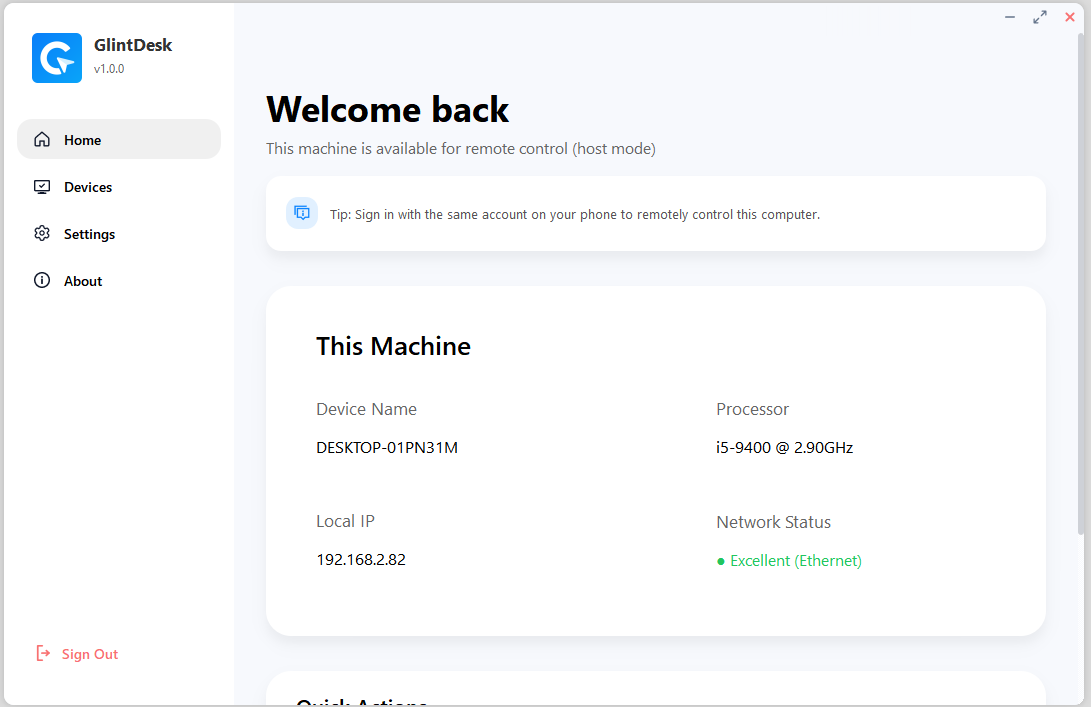
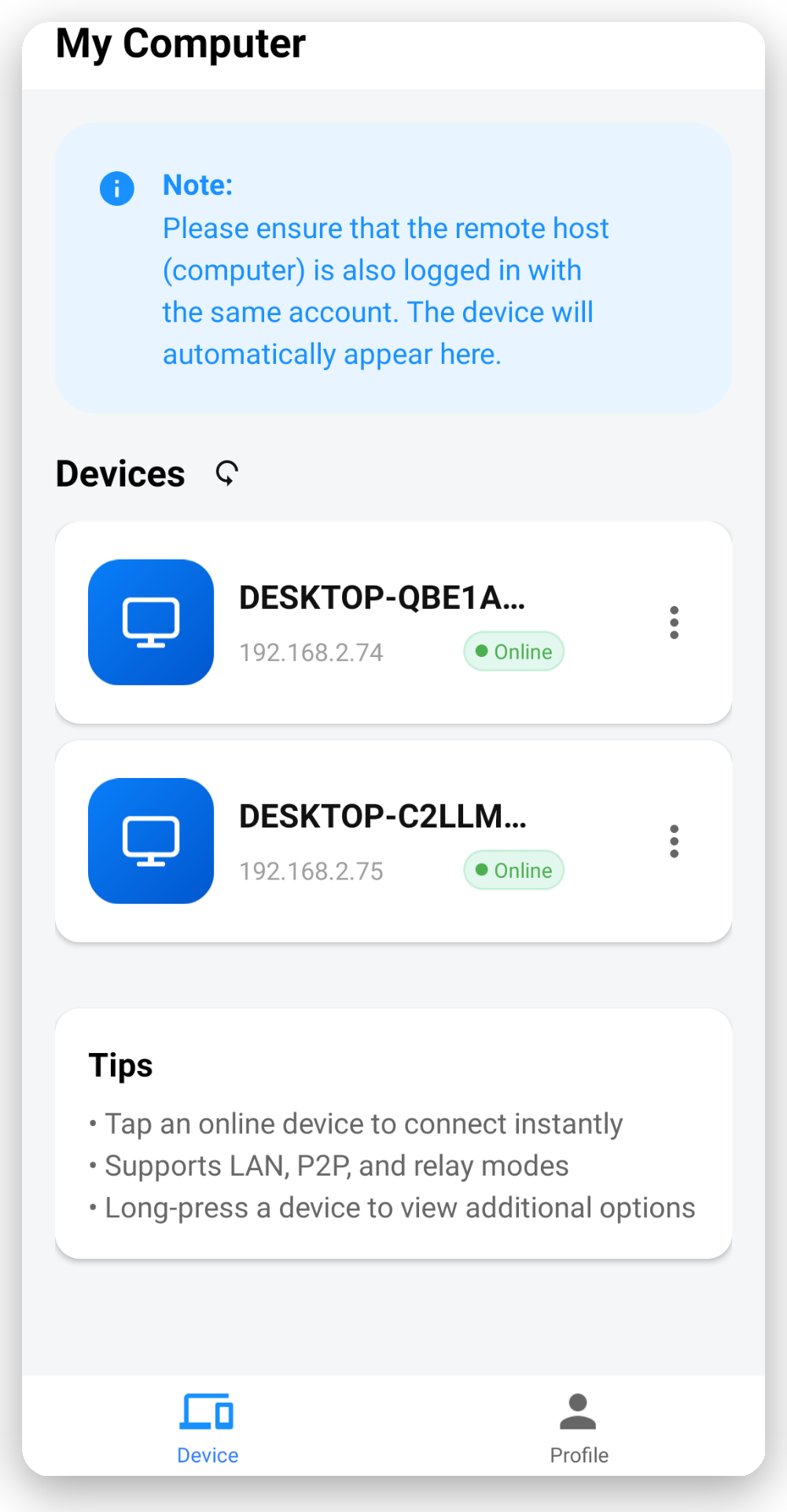
Built for everyday remote access.
Use Glintdesk to reach your PC for work, support, or personal use without changing how your desktop is set up.

Low-Latency Remote Desktop
Responsive remote desktop streaming powered by WebRTC.

AI Agent Console
Chat with AI agents running on your Windows PC, without opening a remote desktop session.

Monitor & Take Control
Check AI responses, view your Windows desktop, and take control when needed.

Encrypted Connections
WebRTC-protected remote desktop video and HTTPS/TLS-protected Agent Console messaging.

Cross-Device Access
Access your own PC from supported mobile and desktop devices.

Keyboard & Mouse Control
Interact with your remote Windows desktop using supported input controls.
Built for people who need their machines.
Edit from the couch.
Color-grade DaVinci Resolve, drive Premiere proxies, and export overnight from anywhere in the house.
Bring your rig on a flight.
Keep your familiar controls close by, whether you are on the couch, in a hotel, or checking in from a second screen.
Support at the speed of now.
Assist a teammate in two clicks. Session recording keeps every decision auditable for later.
 Account data on AWSHosted in the United States
- TLSEncrypted connections
 No AI model trainingBy GlintDesk, with your data
 US & Germany relays